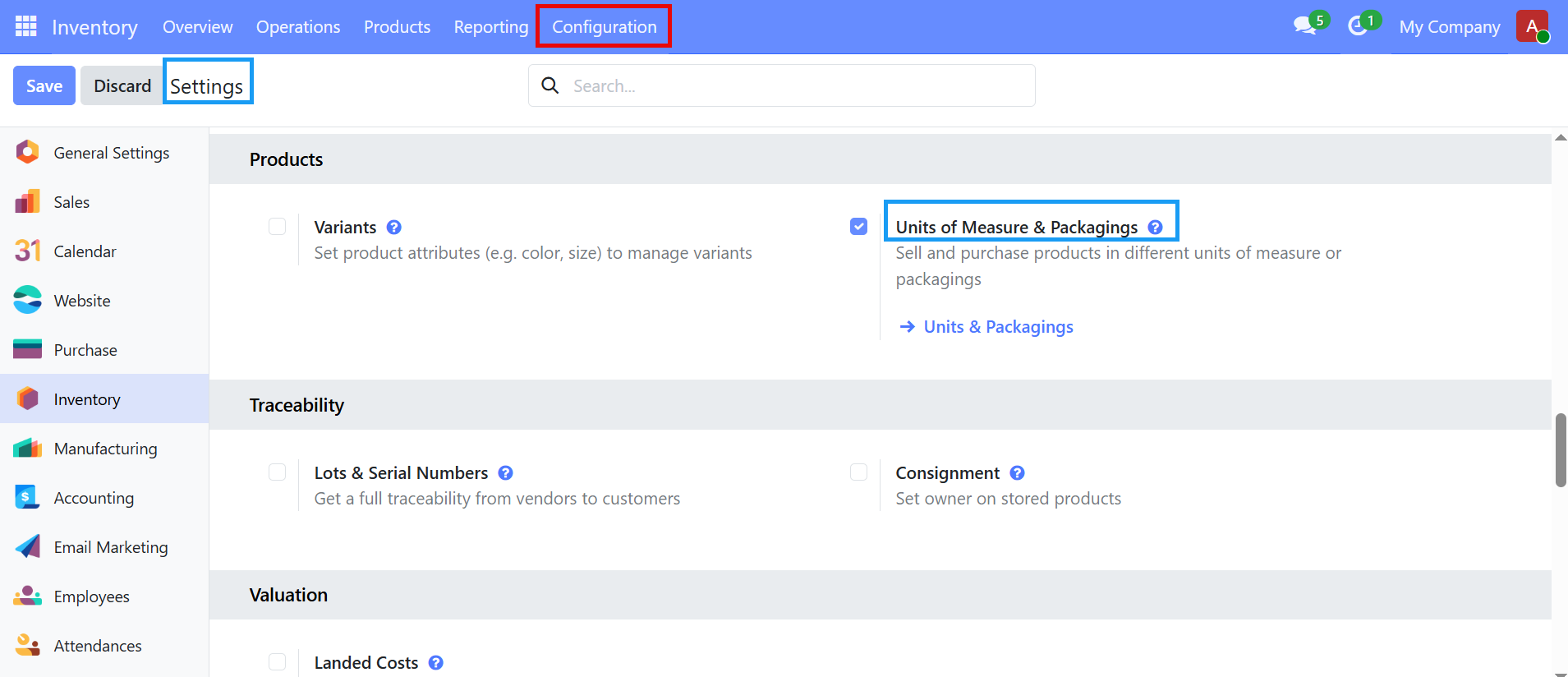
- Go to inventory app
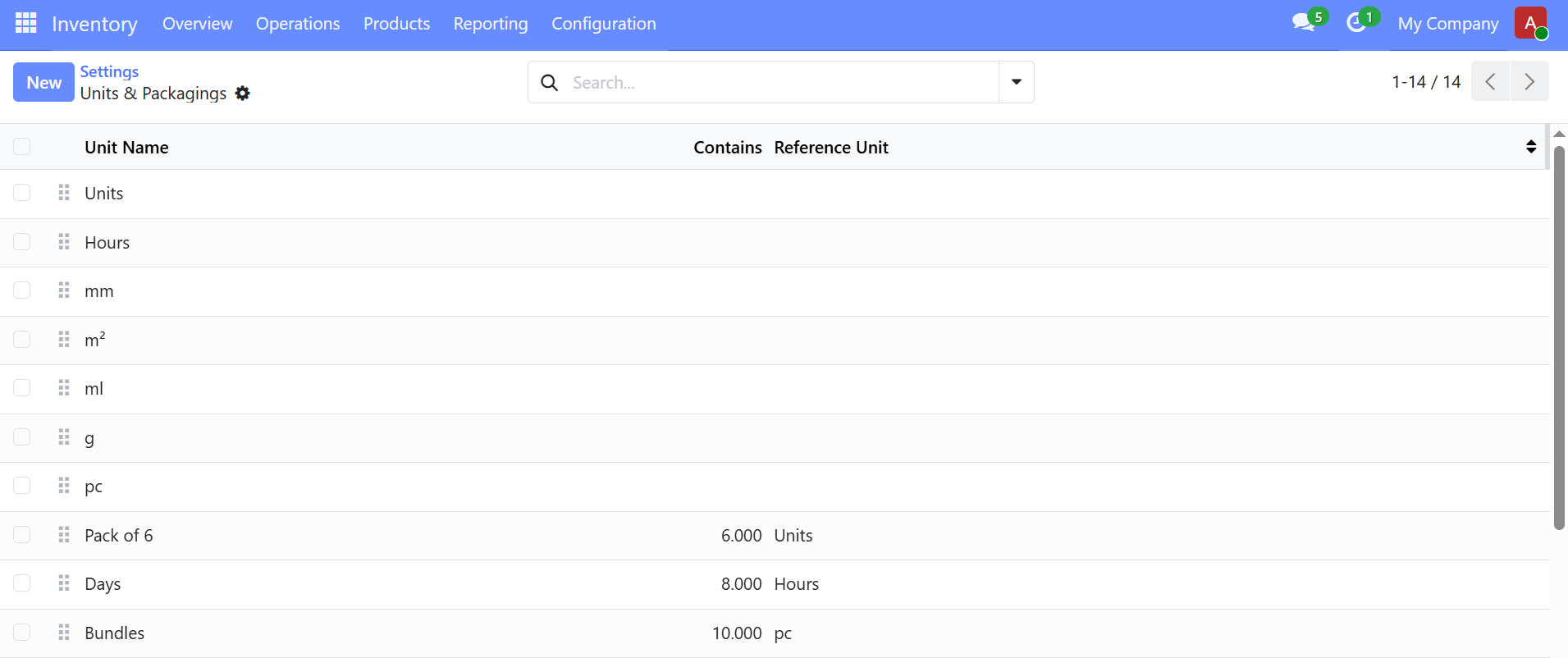
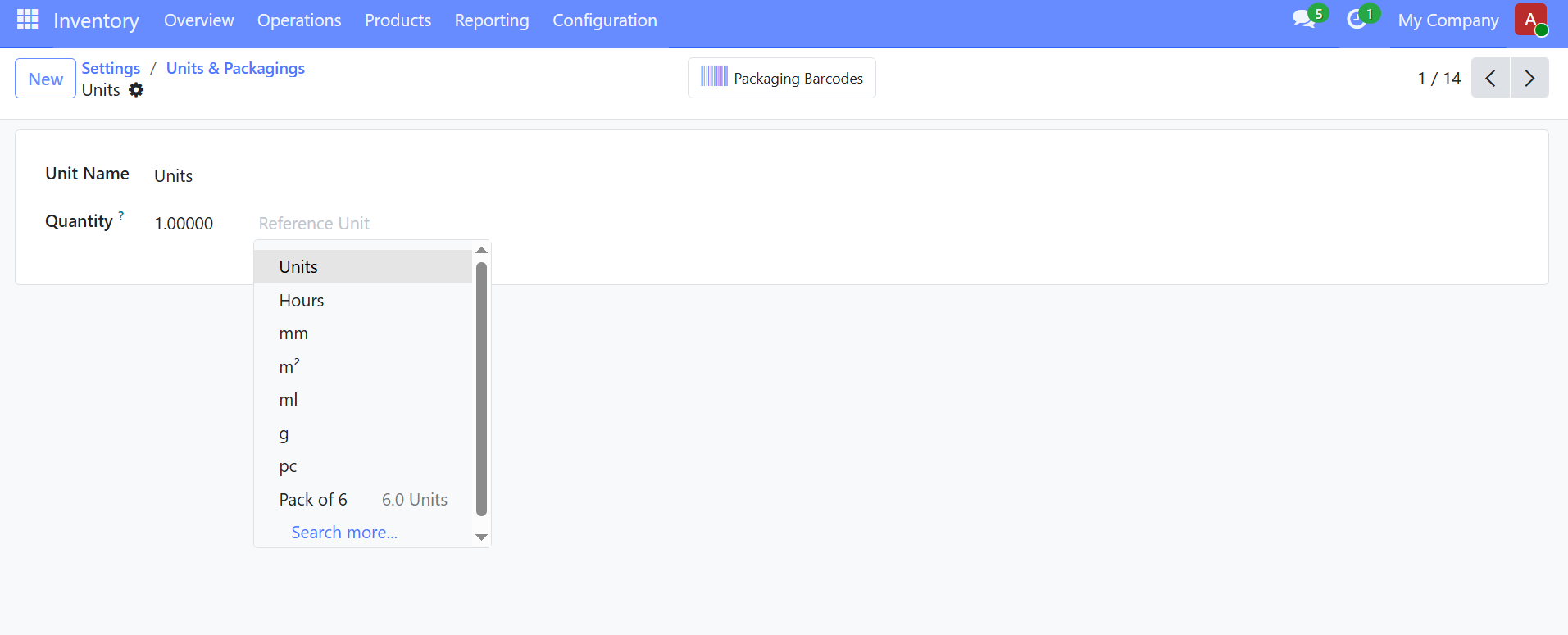
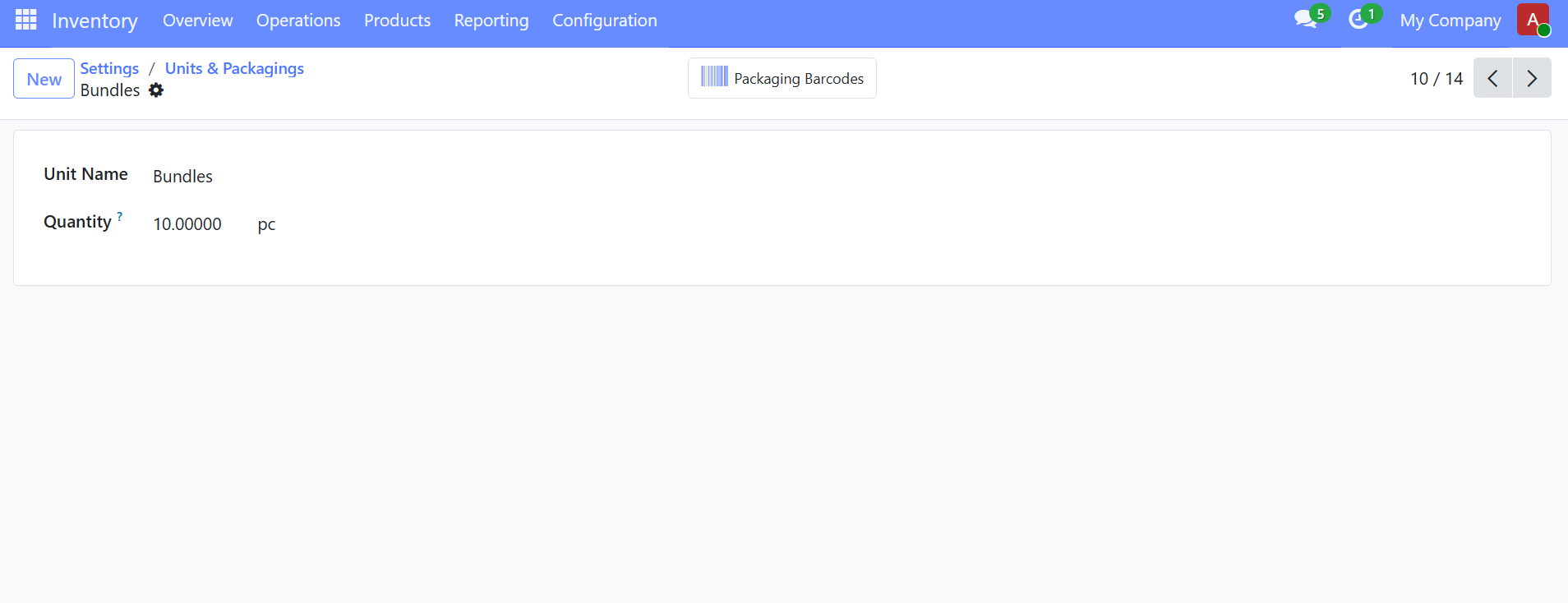
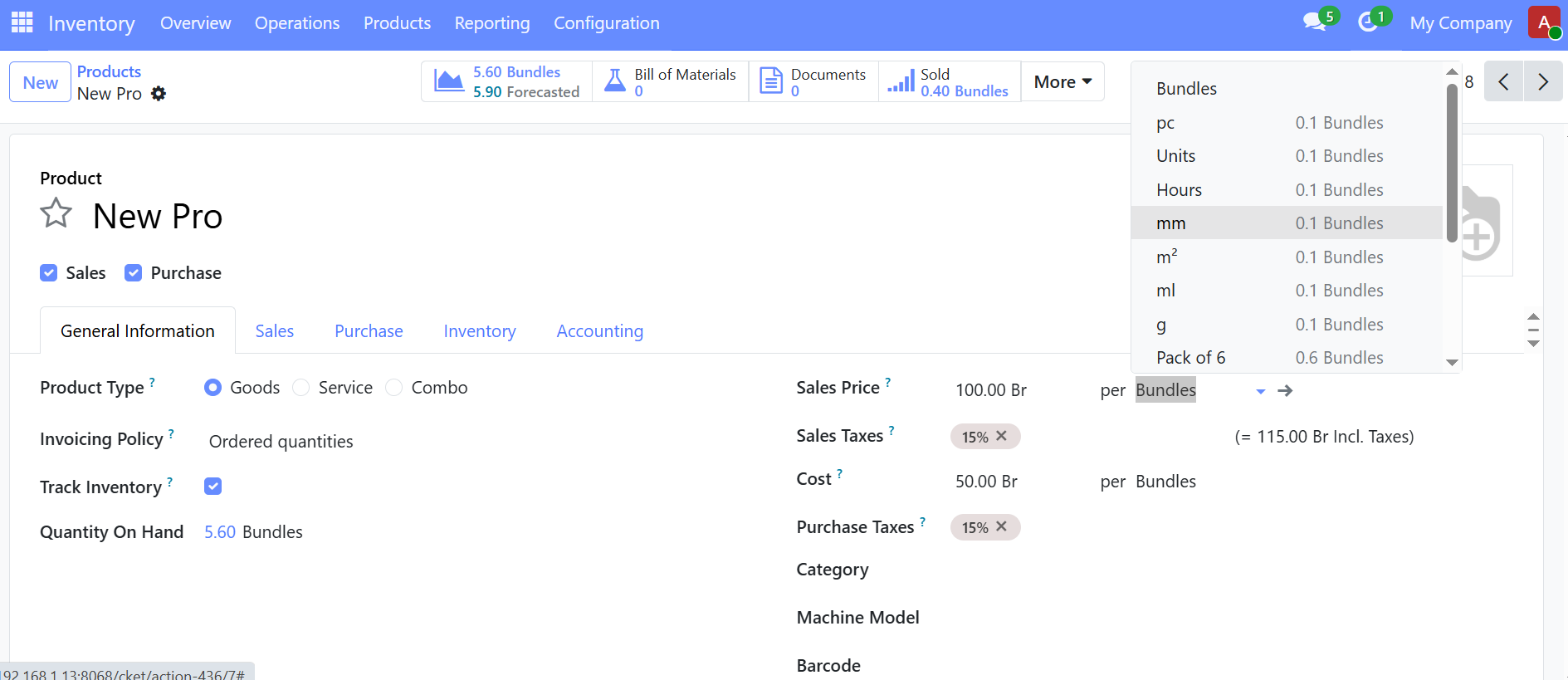
- open Configuration -> Settings -> Units of Measure & packagings.
OPTIONAL PRODUCTS
optional products are extra items that suggests to the customer when they are buying a main product. It is mainly used for upselling or recommending related items.
=>suppose you sell Laptop, optional products are Bag, wireless mouse and antivirus software, when the salesperson creates a quotation for the laptop, it automatically shows those optional items, the customer can choose whether to add them or not.
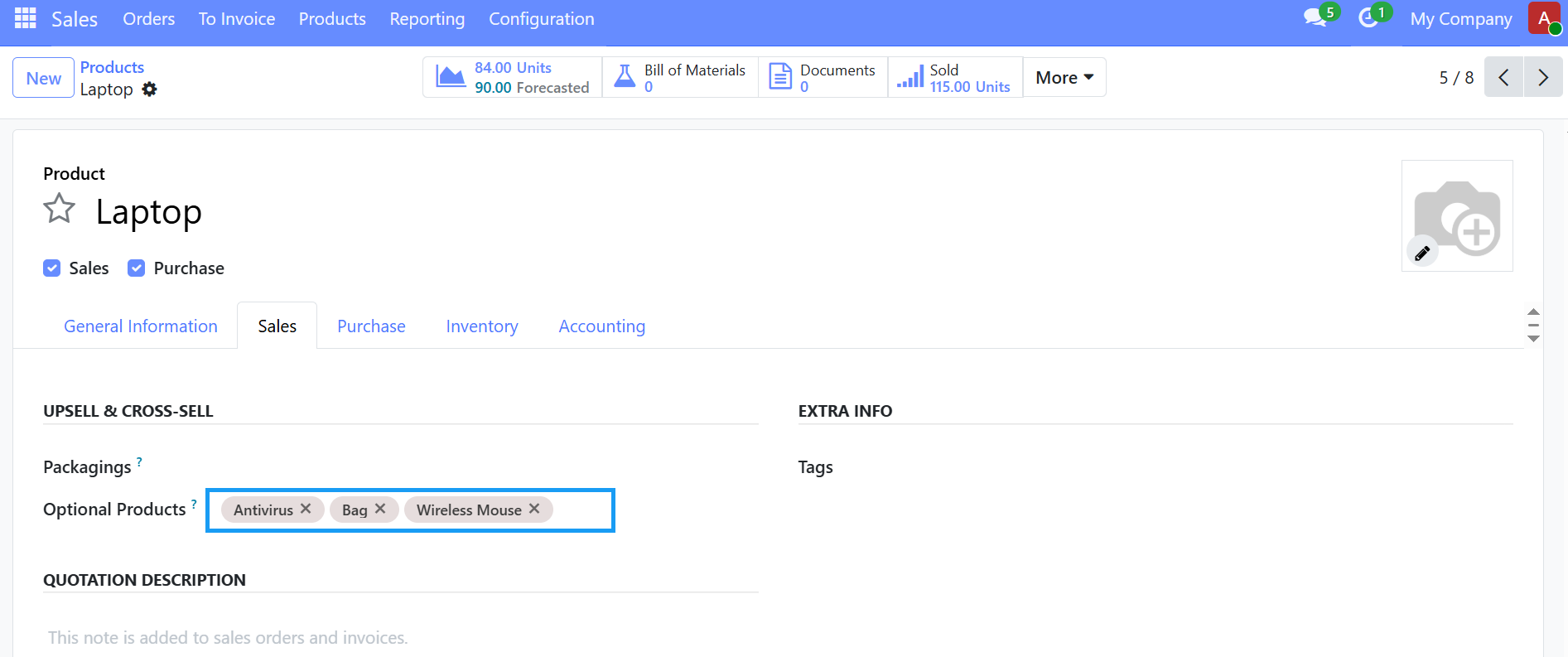
To configure optional products, In inventory app
- open a product
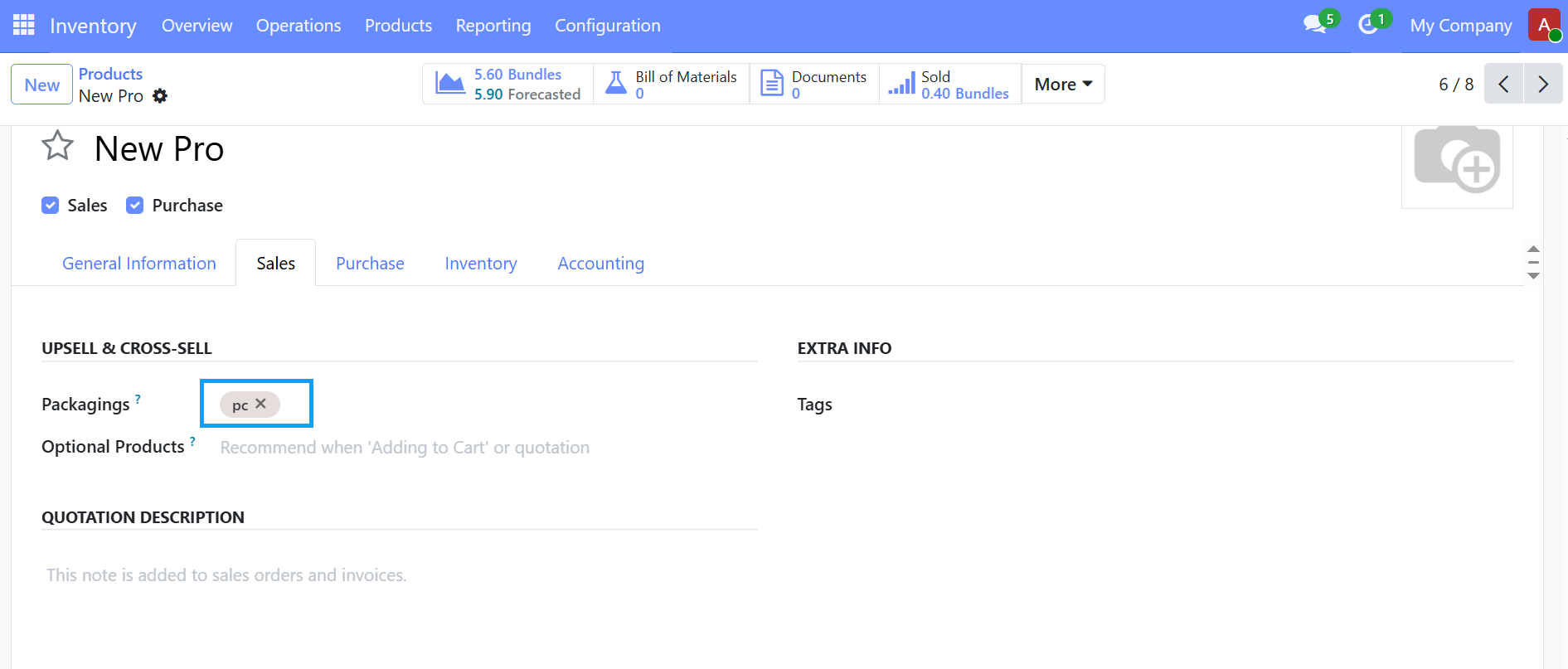
- Go to the Sales tab
- under optional products, add related products
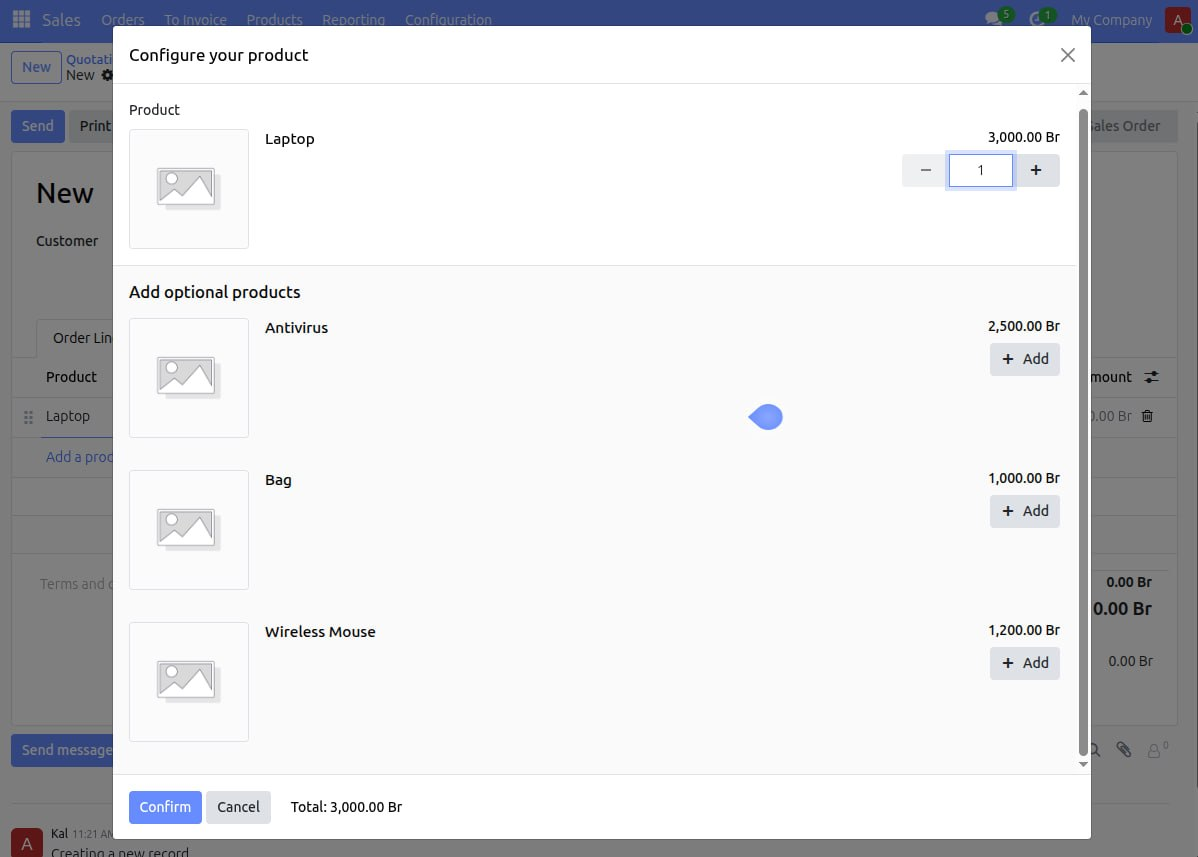
This optional products help
- to increase sales value,
- remind customers about related items,
- reduce forgetting important accessories.
REORDERING RULE
A reordering rule is used to automatically replenish products when stock reaches a minimum level. it helps prevent stock shortages by generating replenishment requests automatically.
Steps to create a reordering rule:
- open the Inventory Module --> Products --> Products
- select the product, click More - in dropdown click Reordering Rules
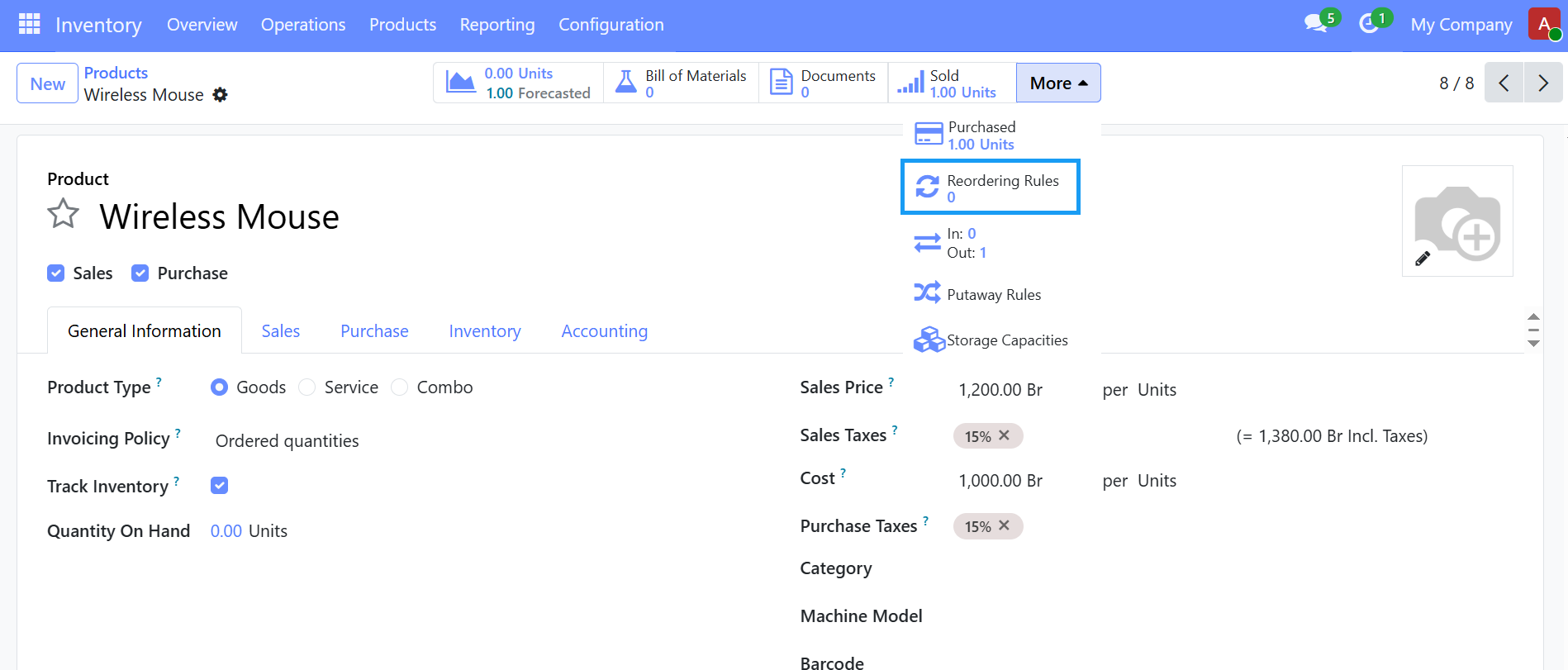
then Click "New" and Fill the Required Fields like
- location - the warehouse/location where stock is monitored.
- Min Quantity - the minimum stock allowed before replenishment starts.
- Max Quantity - the quantity you want to reach after replenishment.
- Route - defines how the product is replenished- Buy, Manufacture, Resupply based on your configuration.
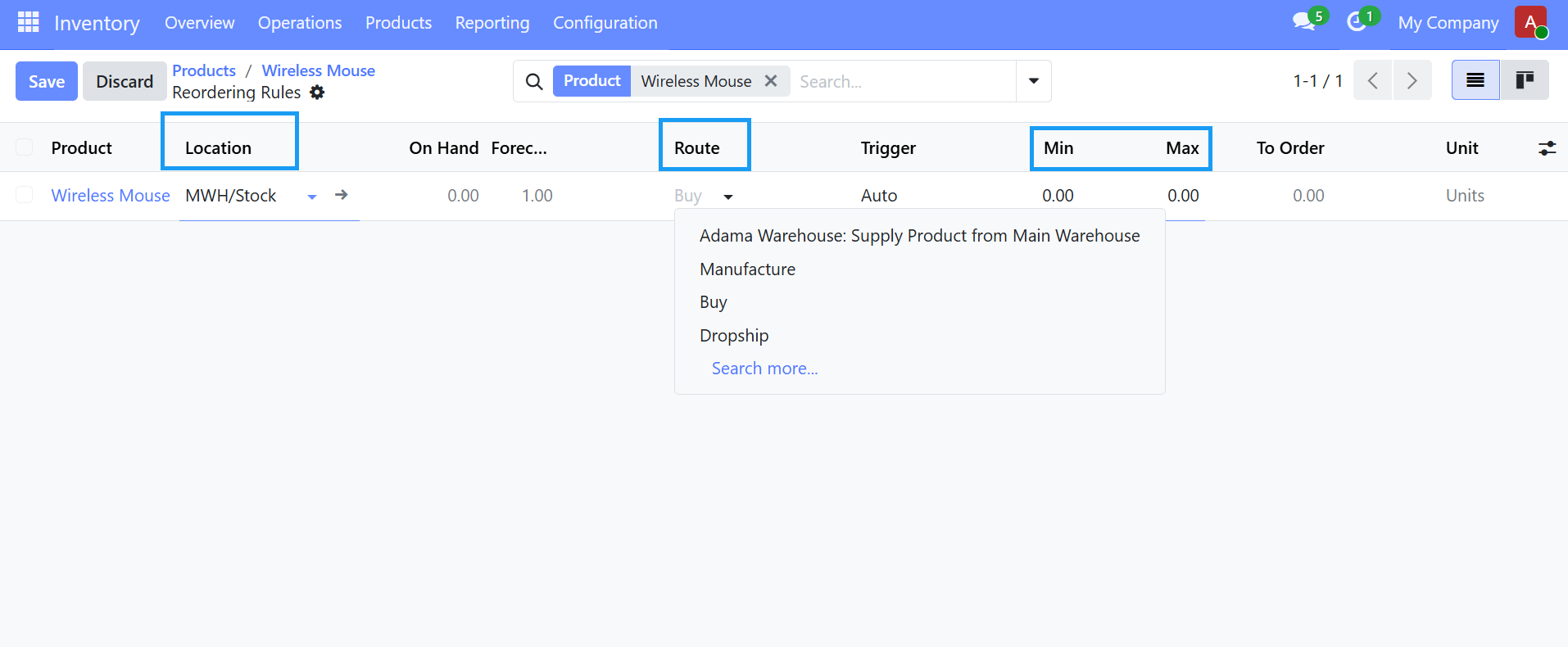
Save the Rule, Trigger the Replenishment when stock falls below the minimum quantity. It automatically creates a draft RFQ/Purchase order if Route is Buy or creates a Manufacturing Order if the Route is Manufacture.
Before using reordering rules, Make sure:
- The product type is set correct usually Storable Product.
- Vendors are configured if using the Buy route.
- Routes are enabled in Inventory settings if need.